DadCam - 90s Camcorder Filters for Millennials
“
Our goal was to blend the tactile soul of a 1994 Handycam with the cutting-edge performance of an iPhone 16 within a single, seamless mobile experience.
Omar Aref
Founder
About the project
DadCam is a high-performance mobile app that replicates the 90s camcorder aesthetic. Its custom “Studio” engine processes grain, metadata, and color in real time, so clips get a 1994 Handycam’s look with an iPhone’s performance.
Project
DadCam
Industry
Tech & Creative Tools
Location
Dubai, UAE
Date
2025
“
Client Request
DadCam asked for a mobile app that recreates a 1994 Handycam's look in real time (grain, date stamp and color) with no export wait and video quality good enough for professional creators.
Omar Aref
Founder
Design Pillars
Our Simple Rules for Design
Haptic buttons and toggles mimic physical hardware, so using the app feels like handling a 1994 Handycam.
We replaced external editing with real-time processing, enabling creators to export finished, nostalgic content instantly.
After you shoot, the “Studio” gives professional control over frame rates, jitter, and light leaks directly in the mobile app.

User Discussions & Insights
Pain points
Slow Processing
Most apps take too long to "render" or save videos.
Fake Looks
Users were tired of "flat" filters that didn't look like real film.
Low Quality
Professional creators couldn't use most retro apps because the video quality was too low for big projects.

The Strategic Pivot
Problem Statement
From Filter App to Creative Studio
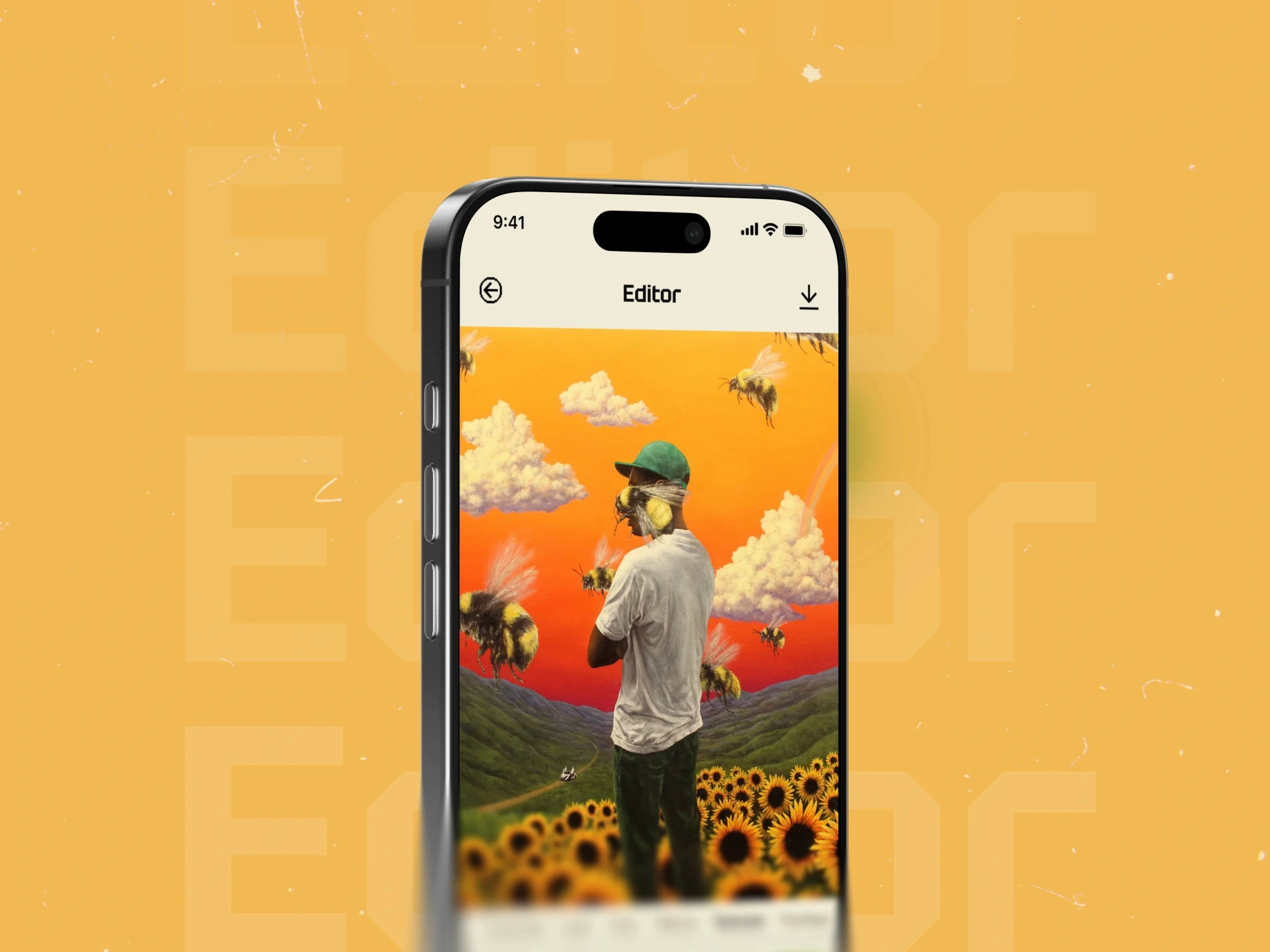
We saw users leaving because they didn't want to be stuck with a permanent filter. To fix this, we pivoted from a simple camera to DadCam Studio, a non-destructive editor. This lets creators film first and "develop" the look later, which stopped them from wasting content and lowered our drop-off rates.
“
The Studio gives users control to ‘develop’ their film exactly how they want
Omar Aref
Founder
The Strategic Pivot
Solution
The DadCam Interface
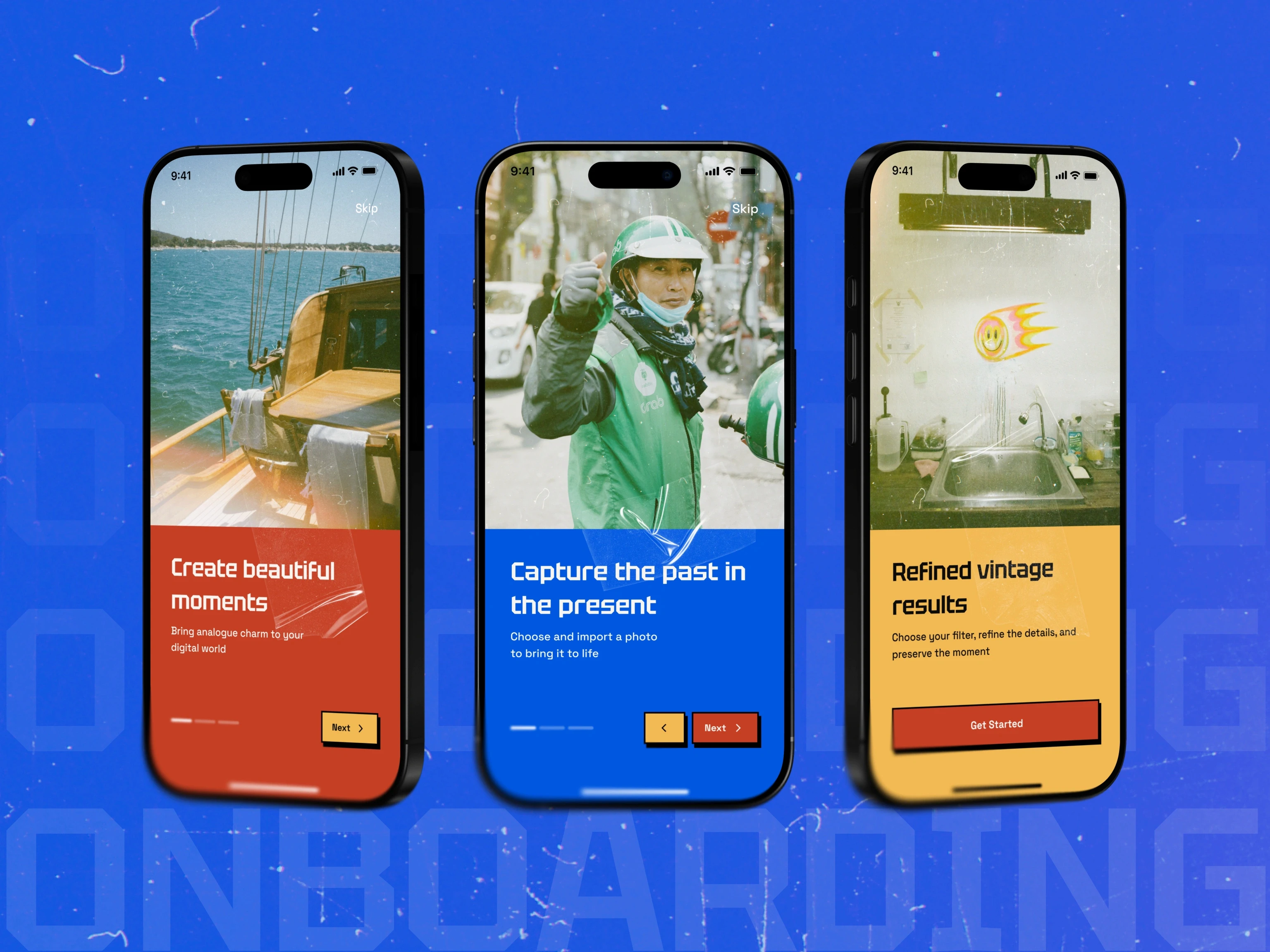
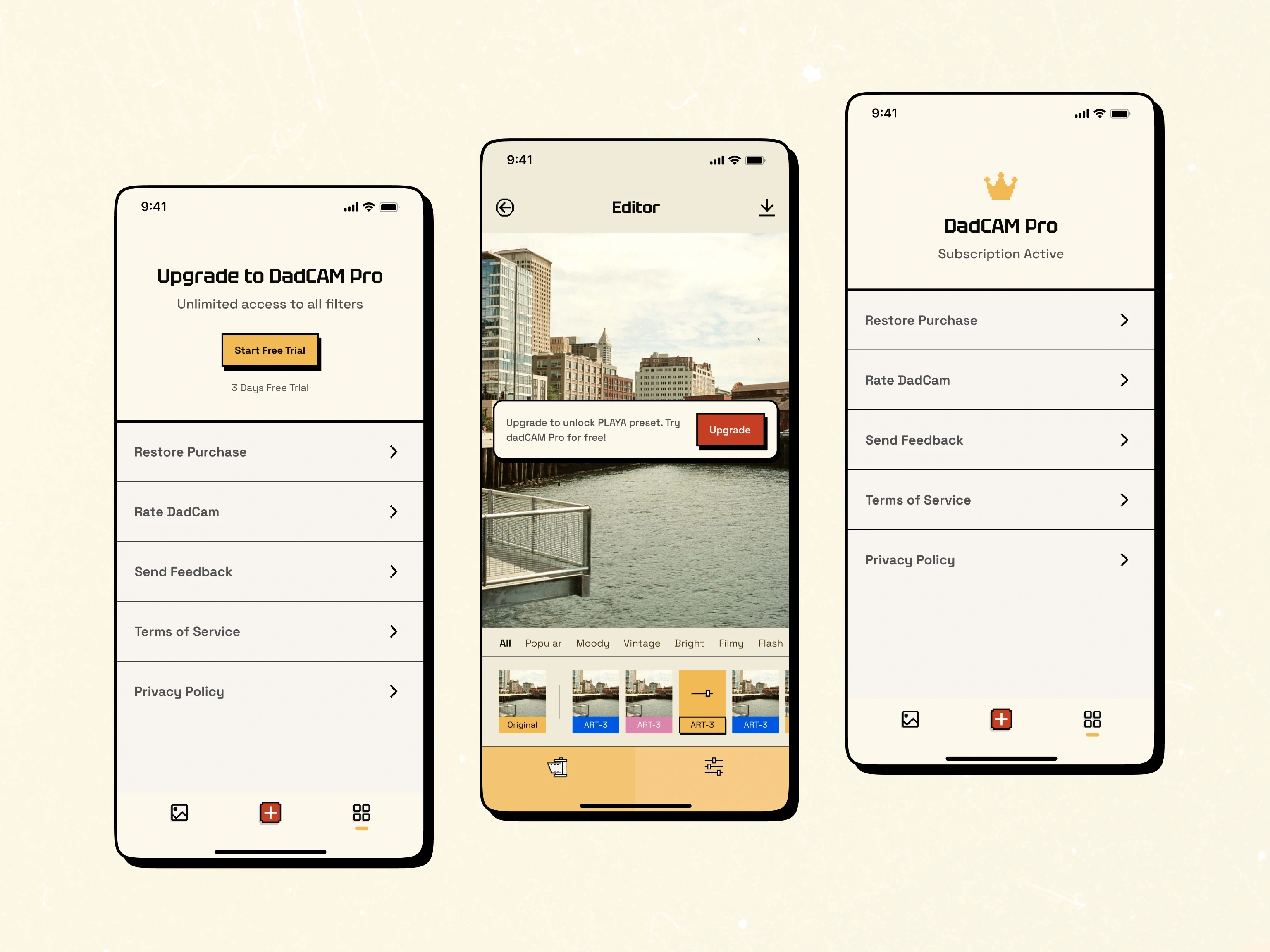
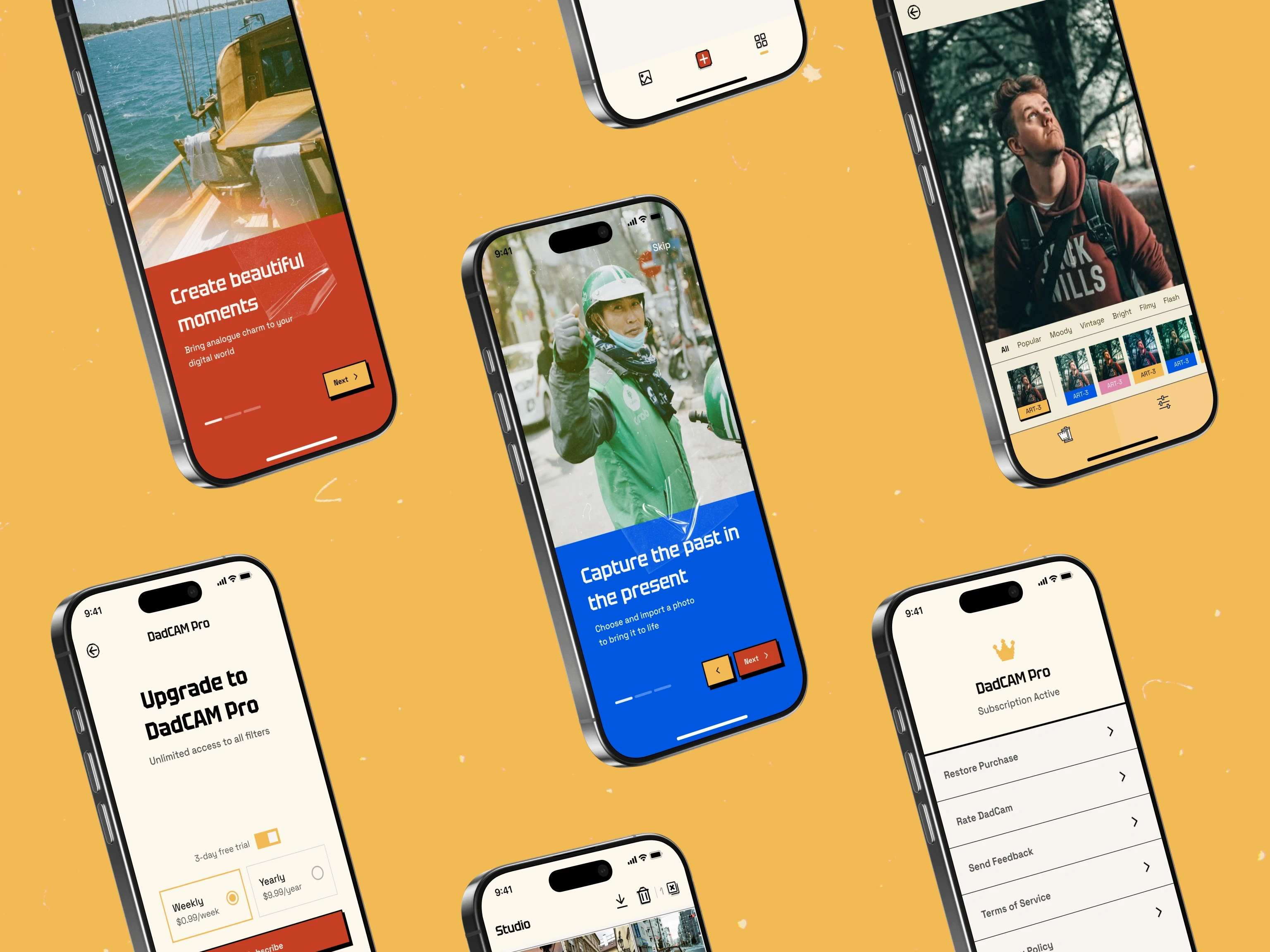
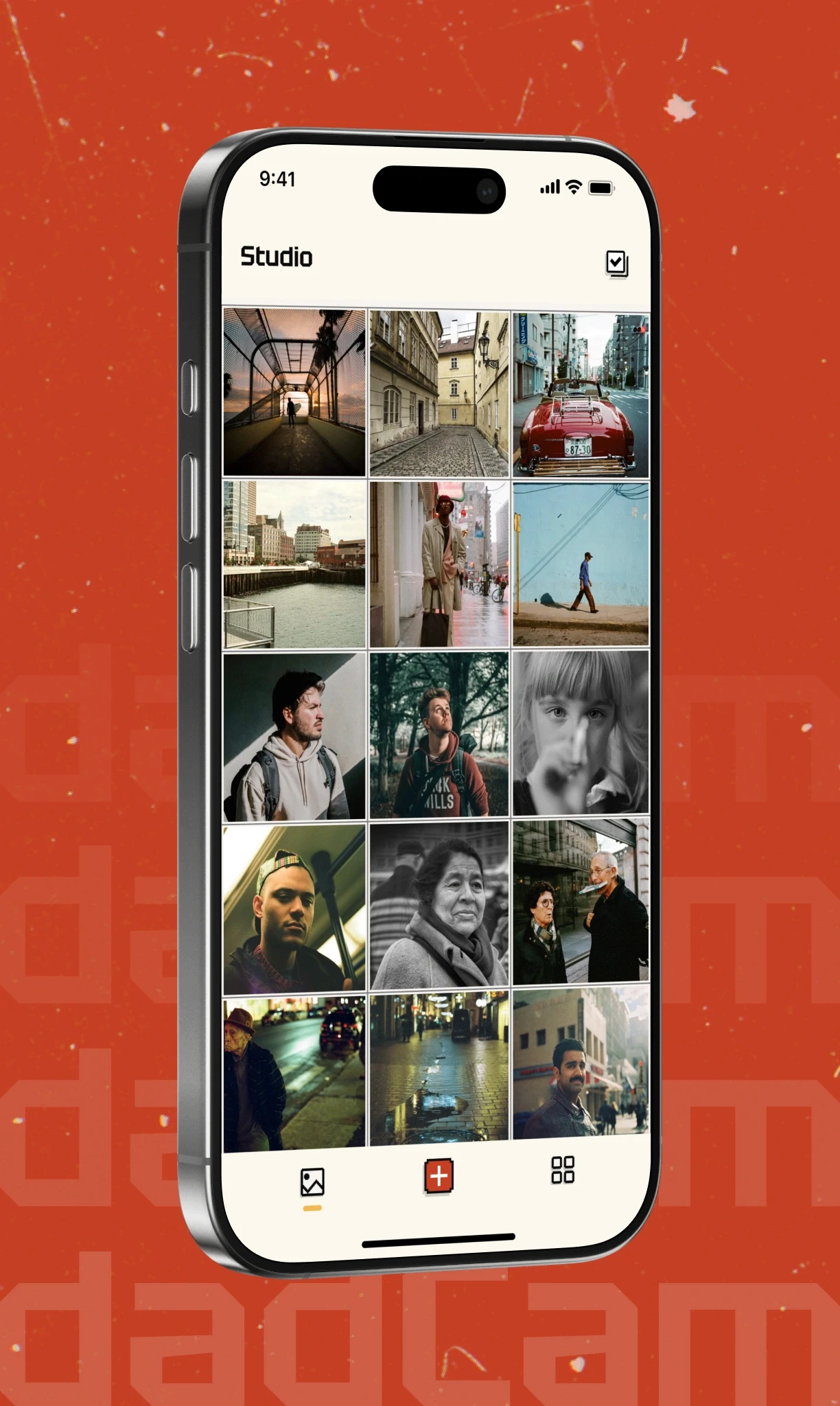
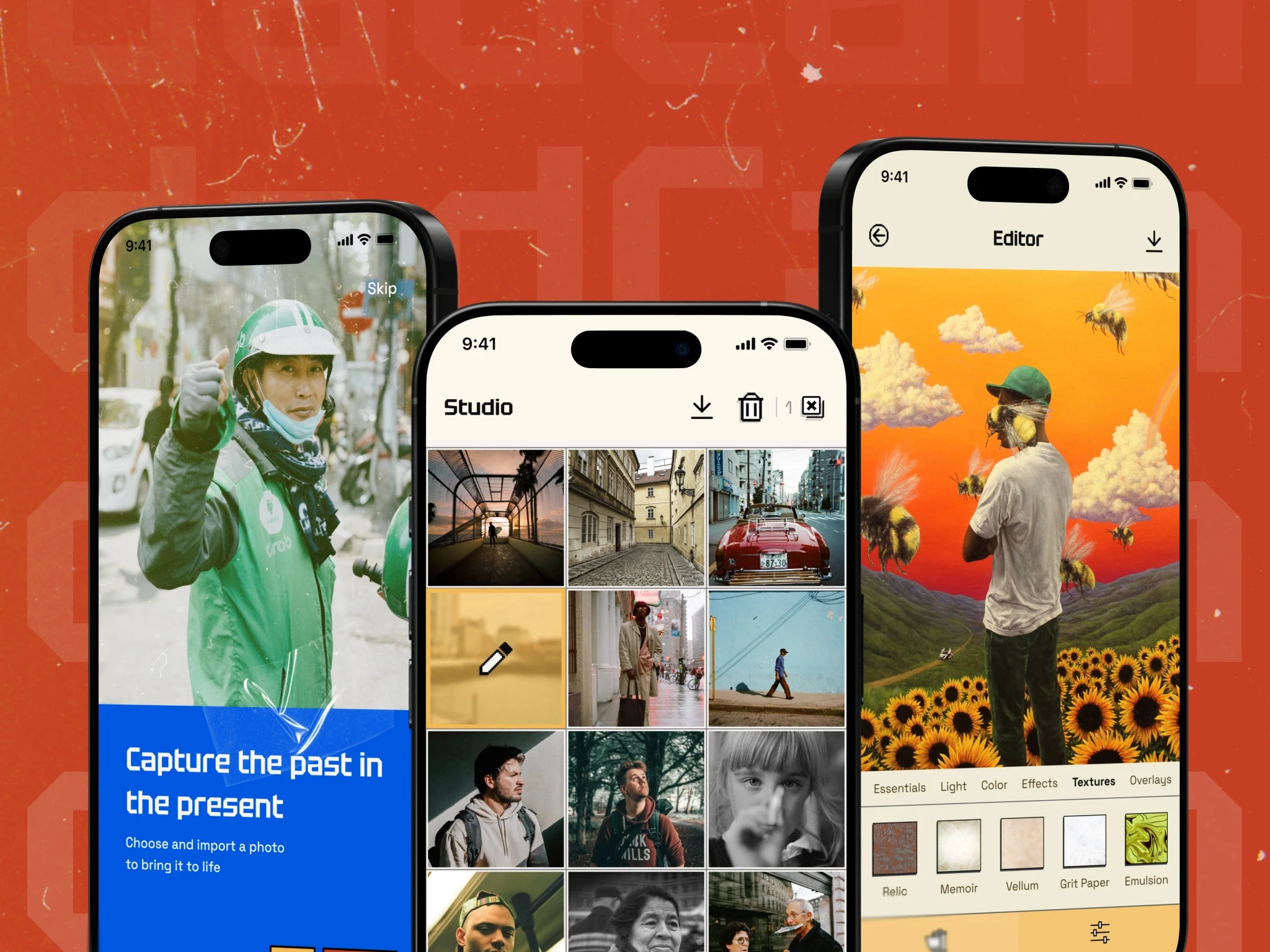
We put recording, editing, and file management into one simple app. The app is an example of our Mobile App Design work.
01 - Retro Camera
The main recording screen looks like an old camcorder screen. It has easy-to-use zoom buttons and a classic date-and-time stamp that appears on your video just like it did in the 90s.
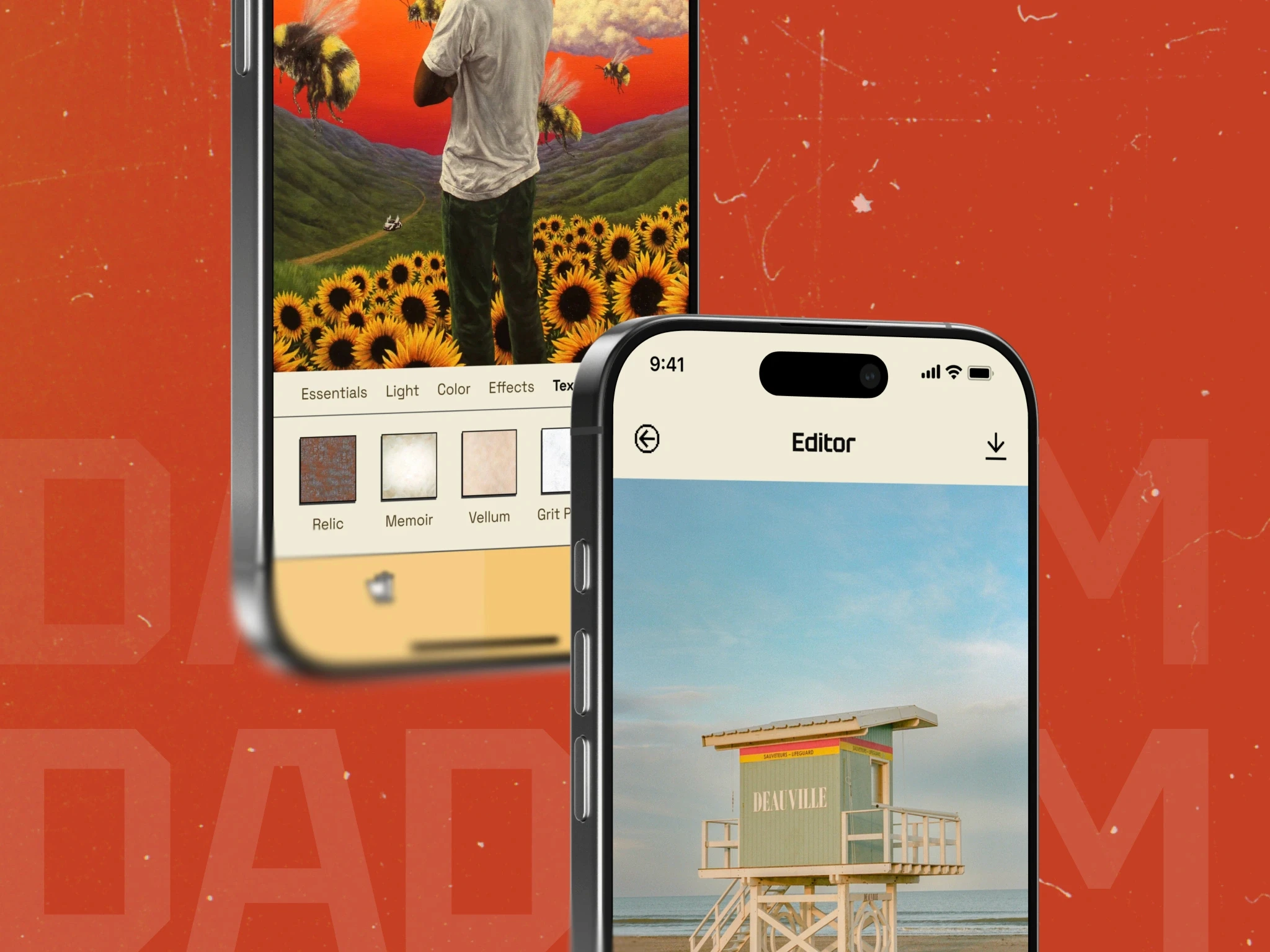
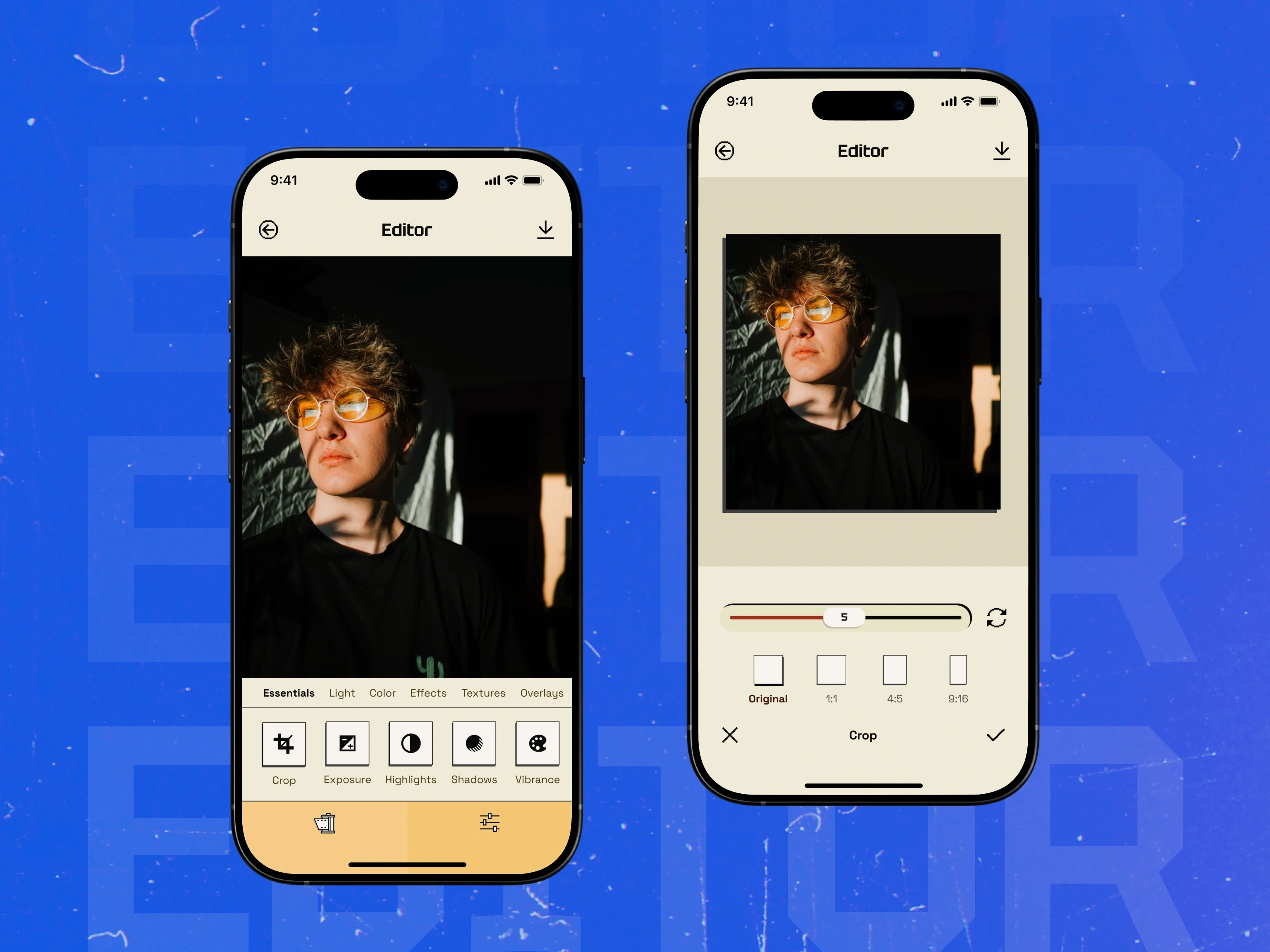
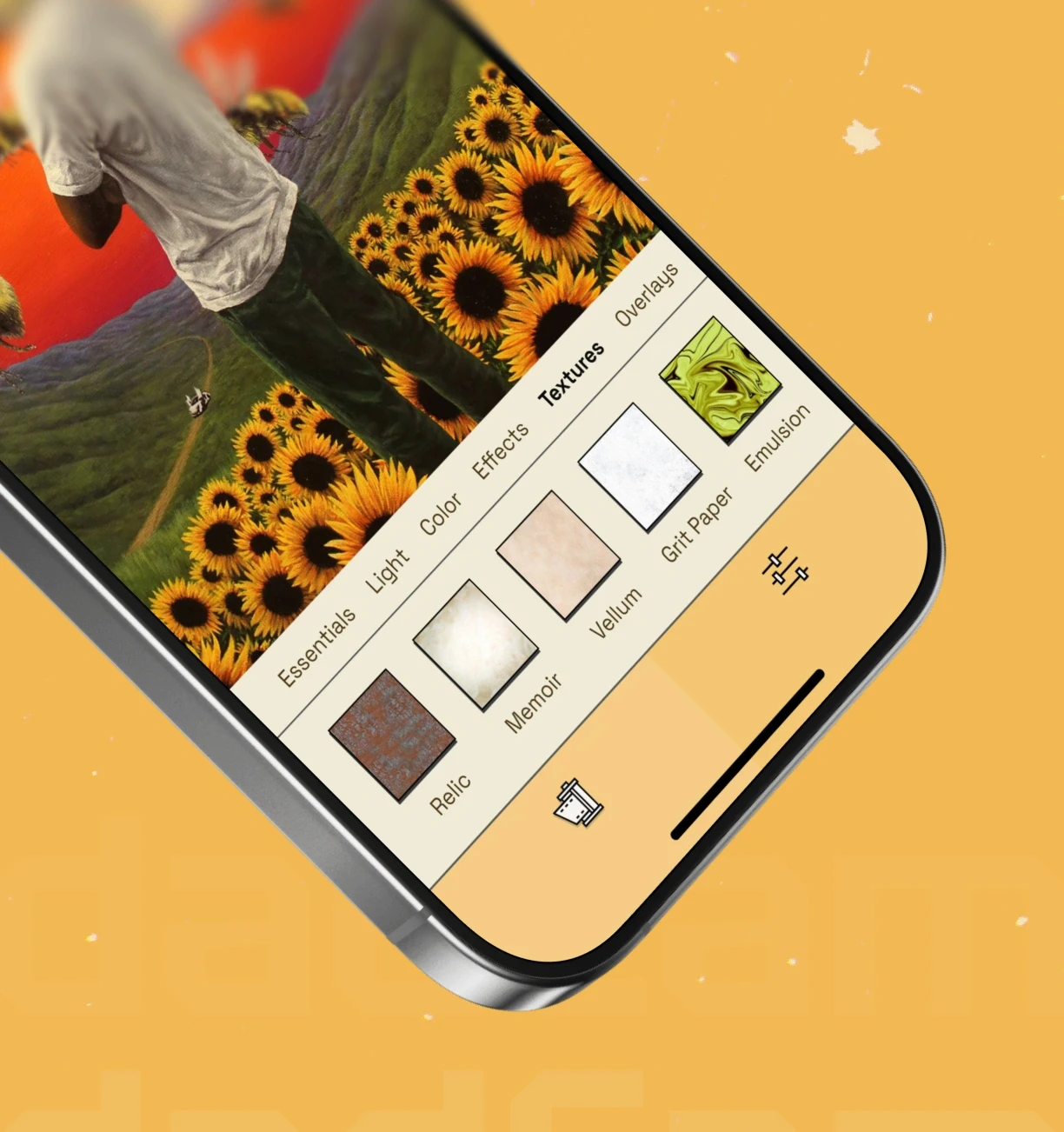
02 - DadCam Studio
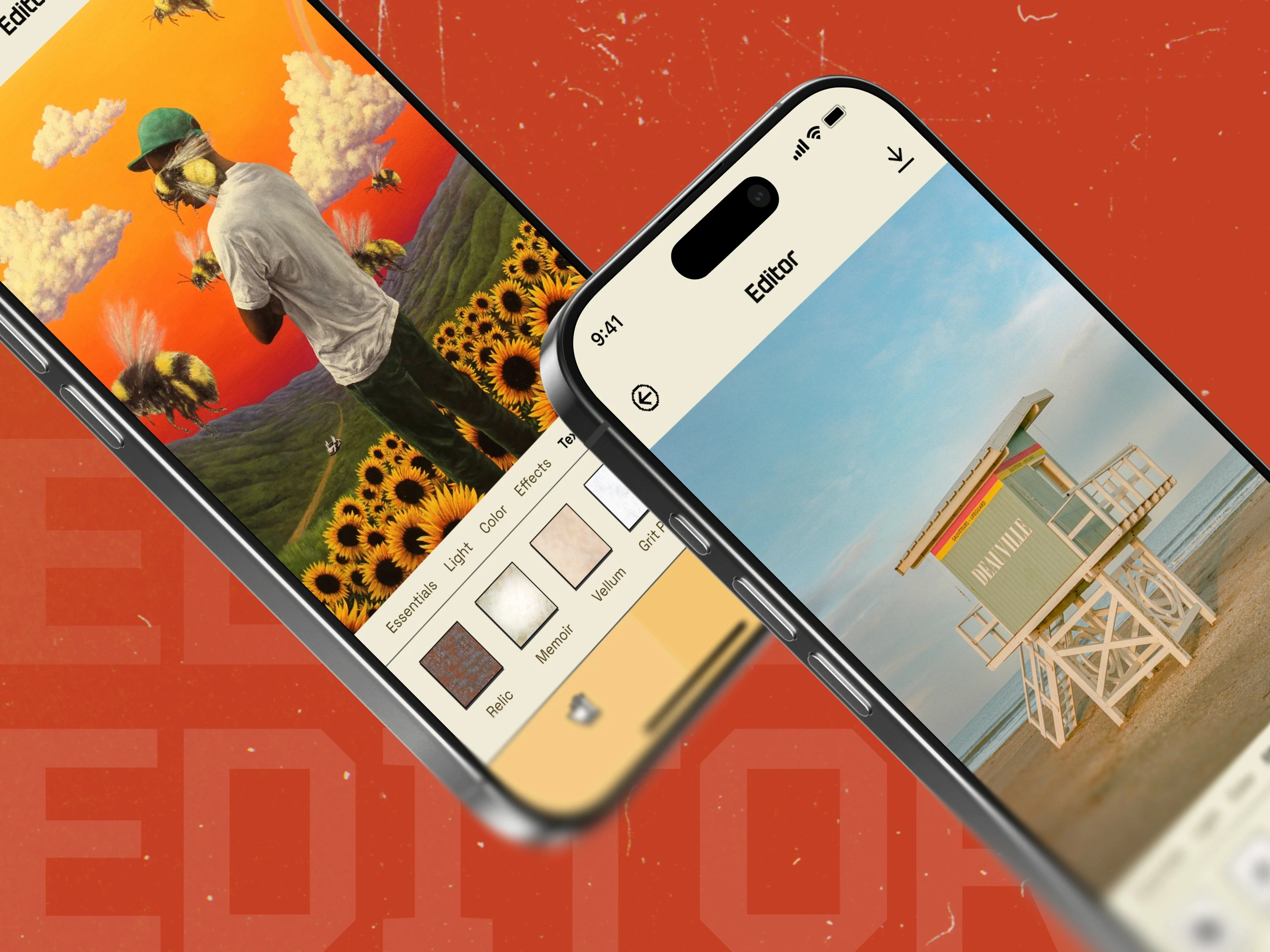
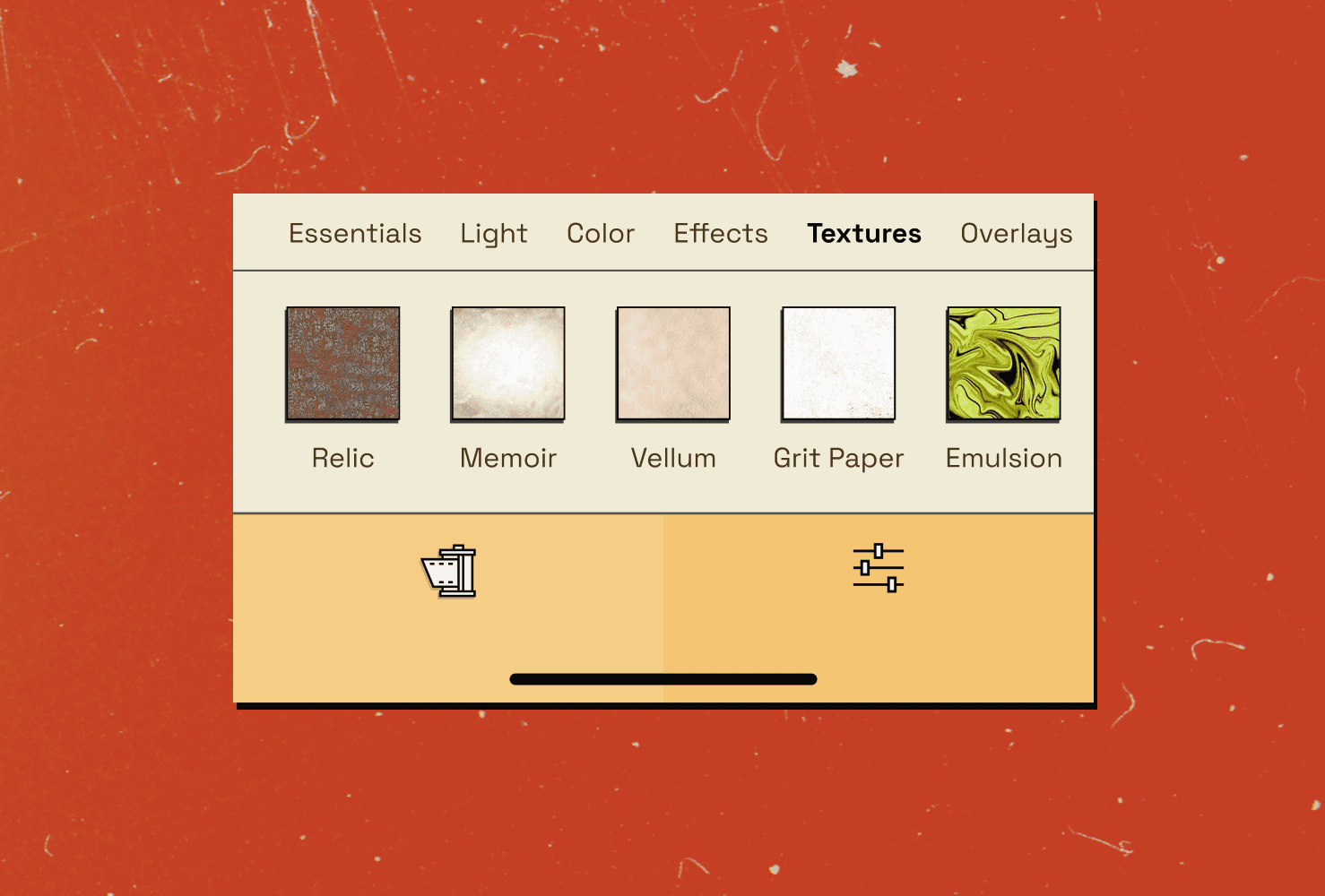
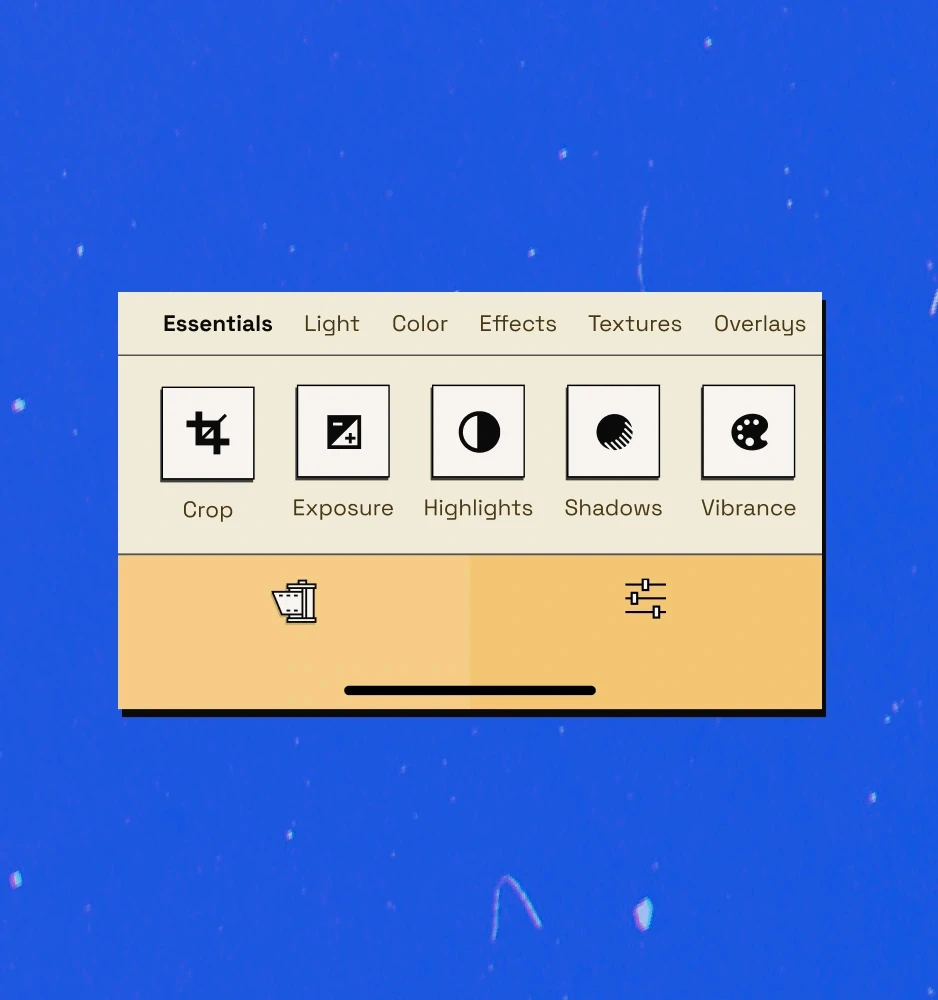
An editing suite for adjusting grain, light leaks, and "tape" quality.
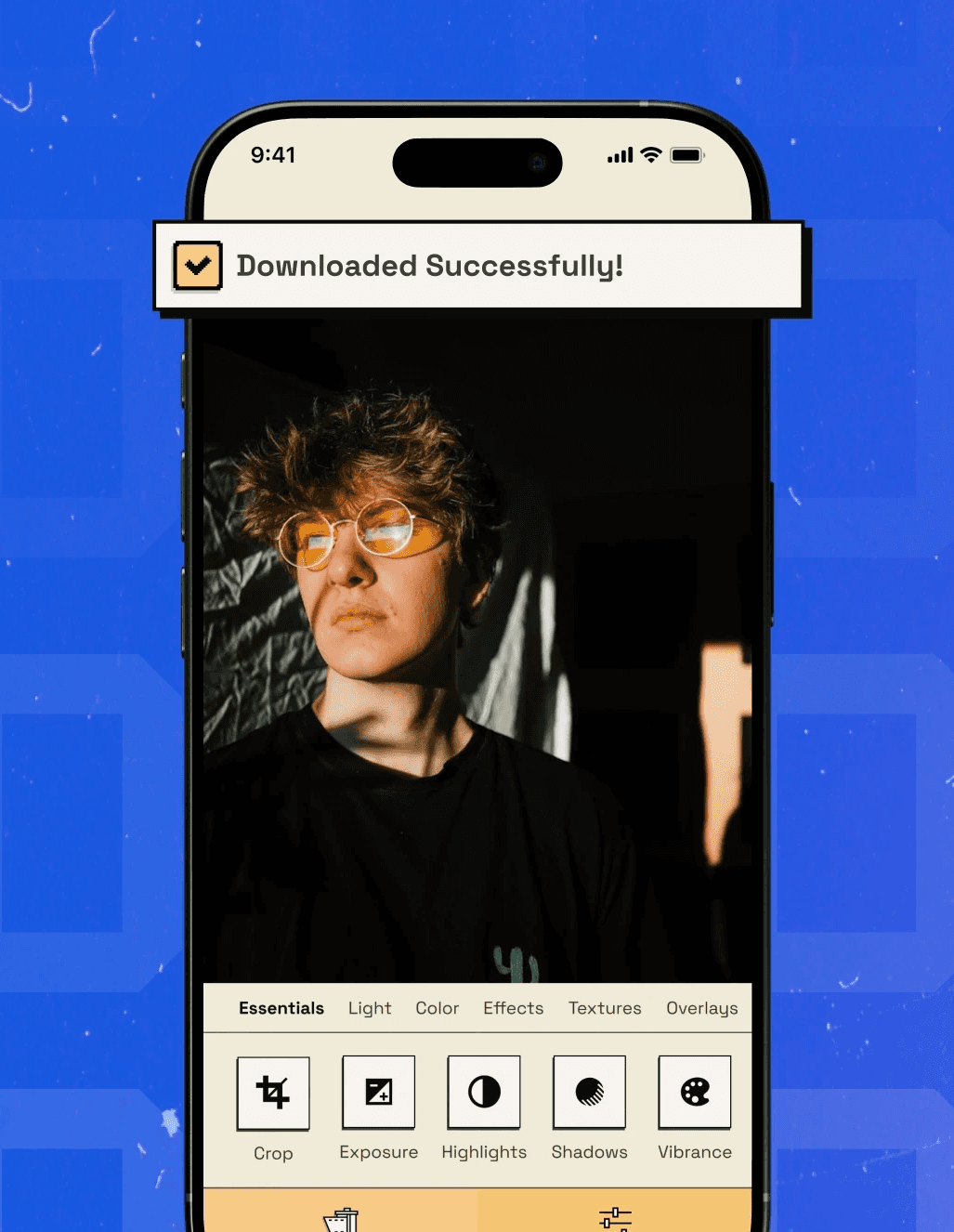
03 - Fast Export
Save videos in high quality for any social platform or pro project.

Wireframes
The Blueprint & Evolution
Wireframe Logic
Design
Key Features
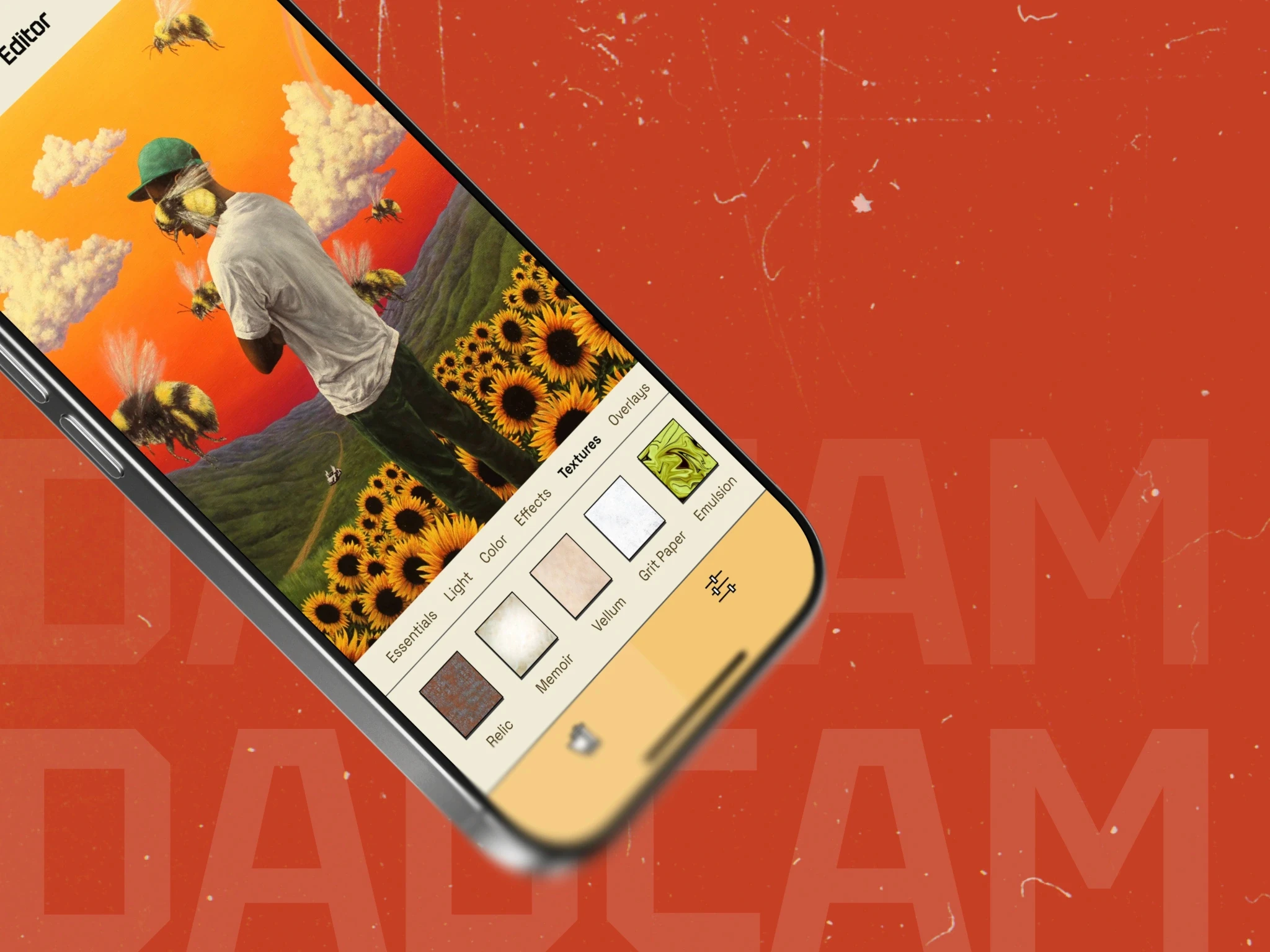
DadCam Studio
A simple editing area to make your video look older. You can add film grain, light leaks, and "glitch" effects
Fast Export
Save videos in high quality for any social platform or pro project.
Design System
Visual Identity
The Visual Language
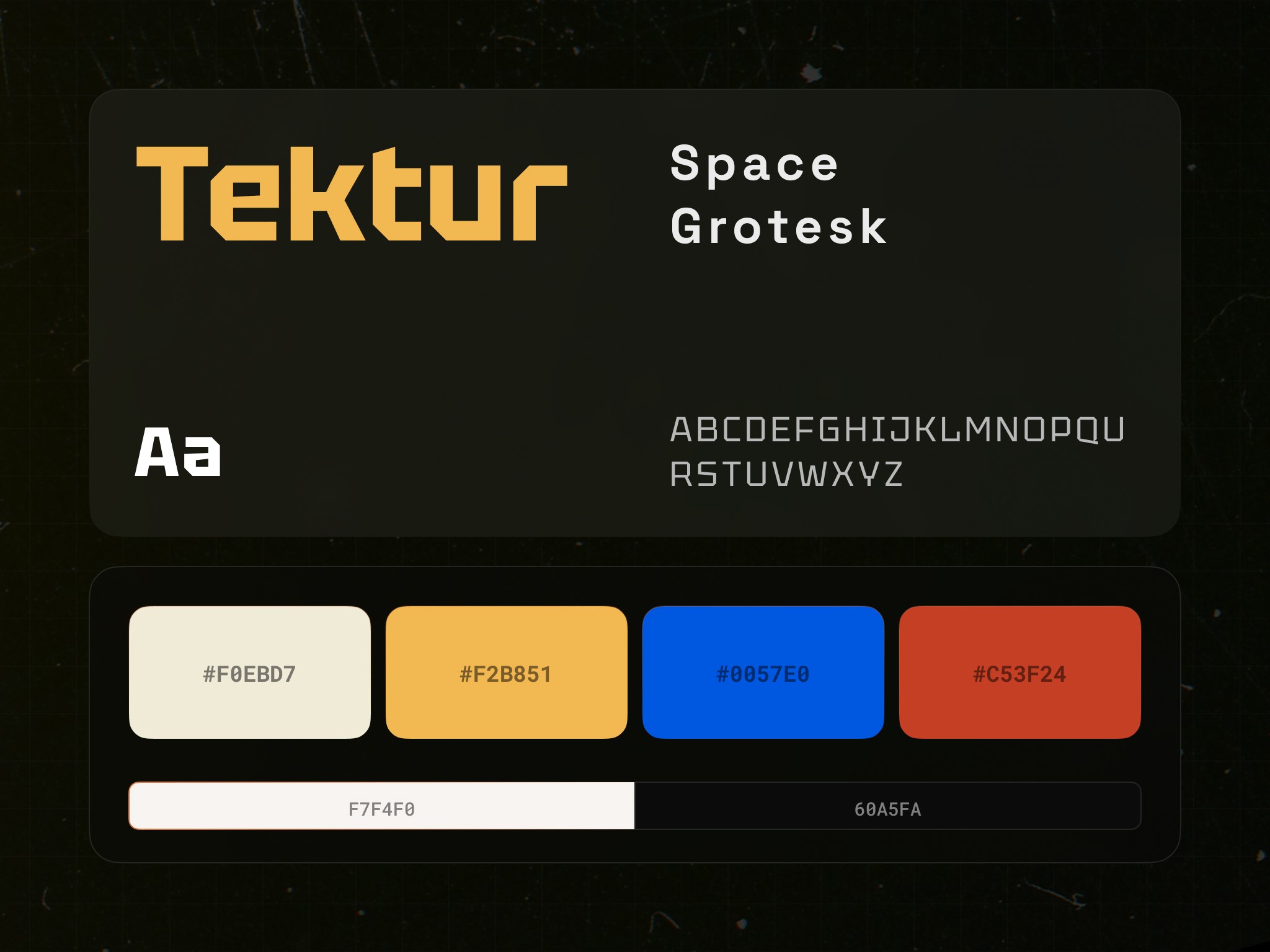
We chose a "Utility-First" design. The app looks like professional tech equipment from the 80s, using high-contrast colors and heavy icons.
Color Palette
We used Safety Orange for primary actions, Deep Slate for backgrounds to make the photos pop, and Ghost White for sharp, readable text.
Typography
We used a bold, industrial font for headers to show authority, and a clean, modern sans-serif for paragraphs to ensure instructions are easy to read on small screens.
Design System
User Interface
UI Logic
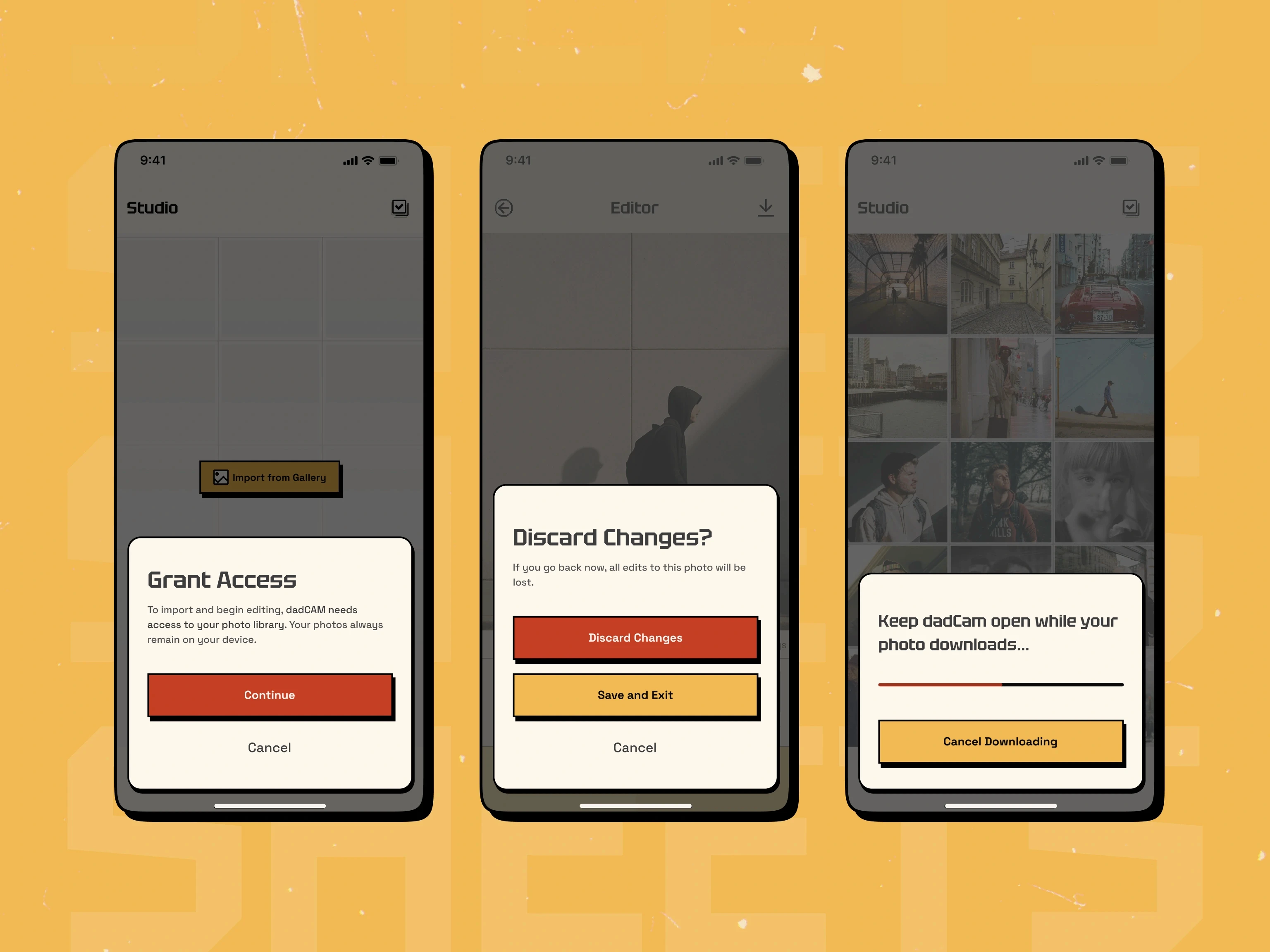
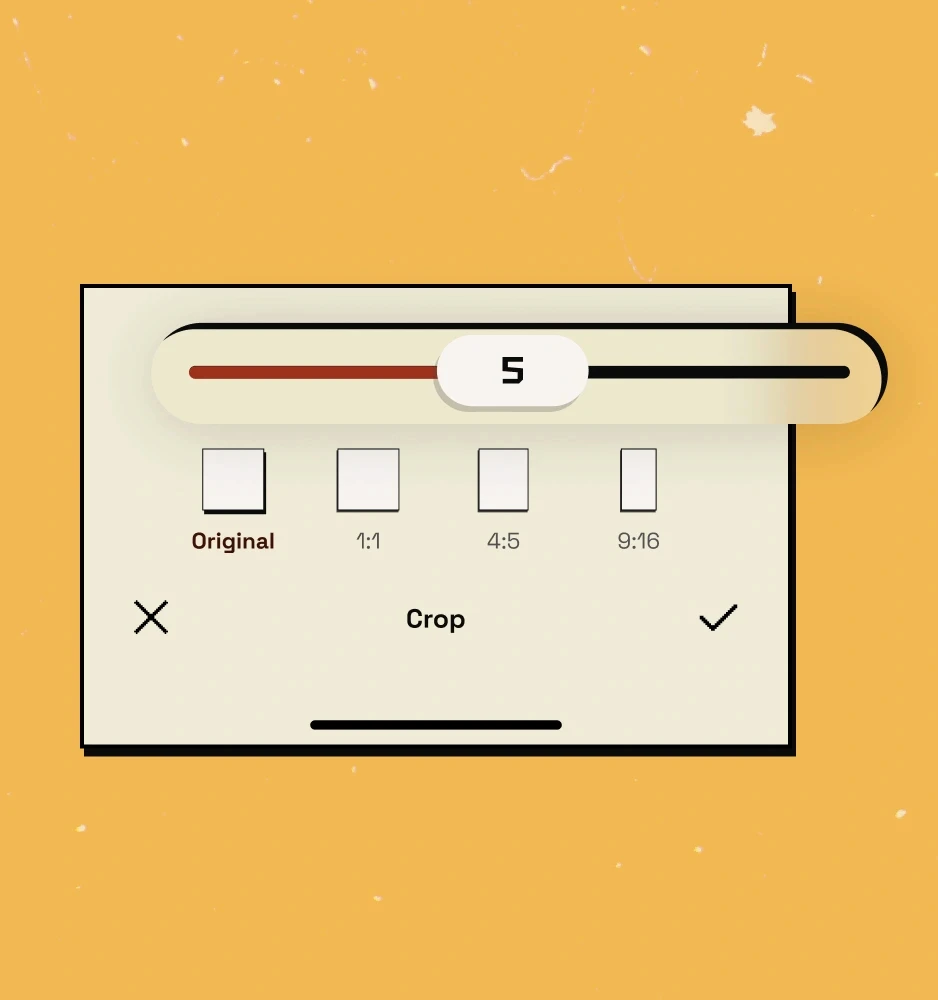
The interface follows "Direct Interaction" logic. Instead of buried menus, users interact with the sliders and the video itself.
Gestural Controls
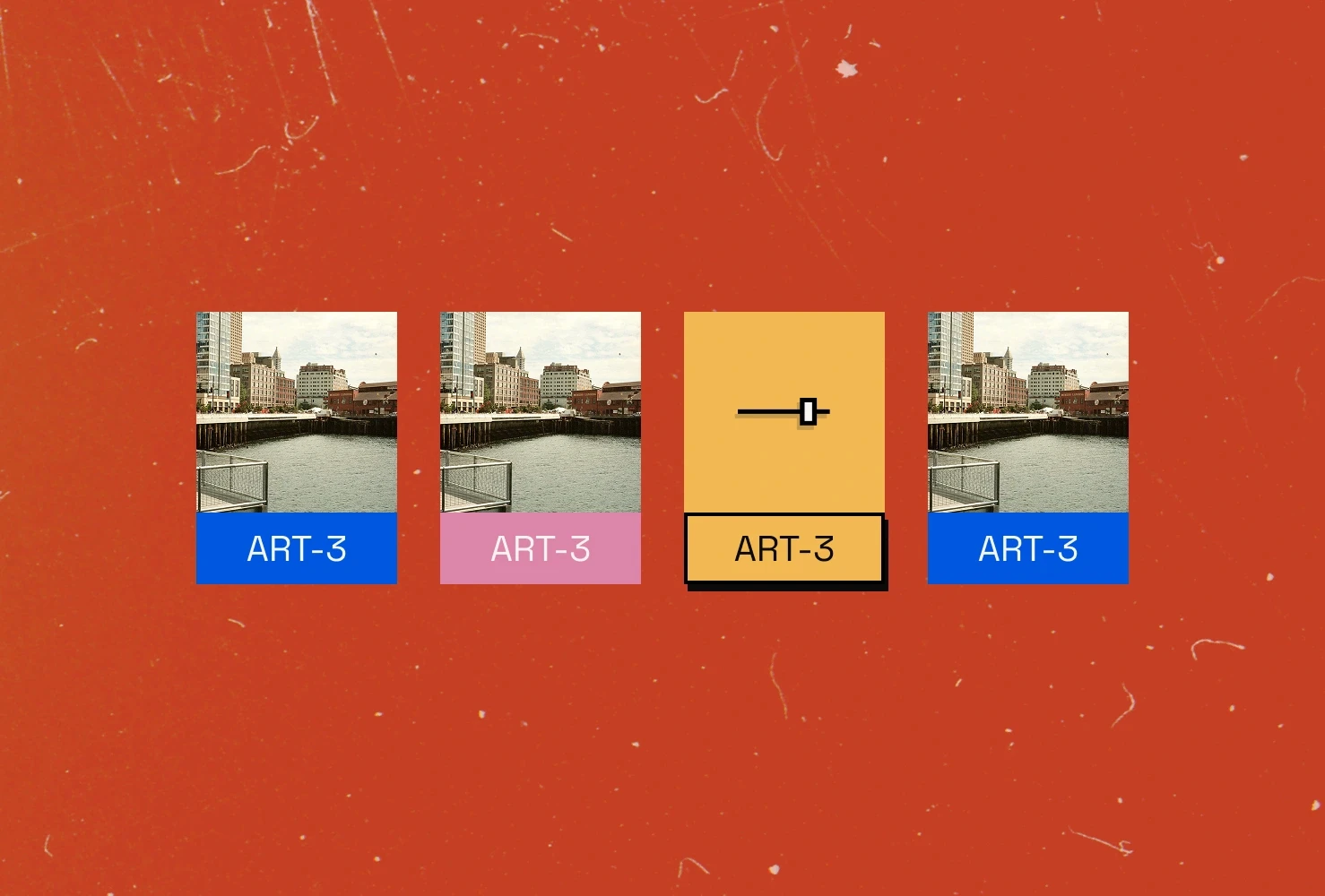
A simple swipe cycles through film stocks, while a long-press on the date-stamp lets you customize the timestamp metadata.
Haptic Feedback
The app uses vibration patterns as you slide through effect intensities, giving the user a physical sense of "tuning" the video.
Roadmap
Next Iteration
Future Roadmap & Scale
We are expanding DadCam’s engine to better simulate the physical imperfections of old cameras. Our next steps involve refining how the app handles lighting and lens distortion to feel more like a mechanical process rather than a digital effect.
“
Our vision is to move past simple visual adjustments, so that clips made in DadCam feel like old camcorder footage as well as look like it.
Omar Aref
Founder
Final Showcase
The New DadCam Experience